
Show control made for night operations
Large, high-contrast arm, hold, return-to-home, land and shutdown commands for the whole fleet, readable from the pilot's chair in the dark.
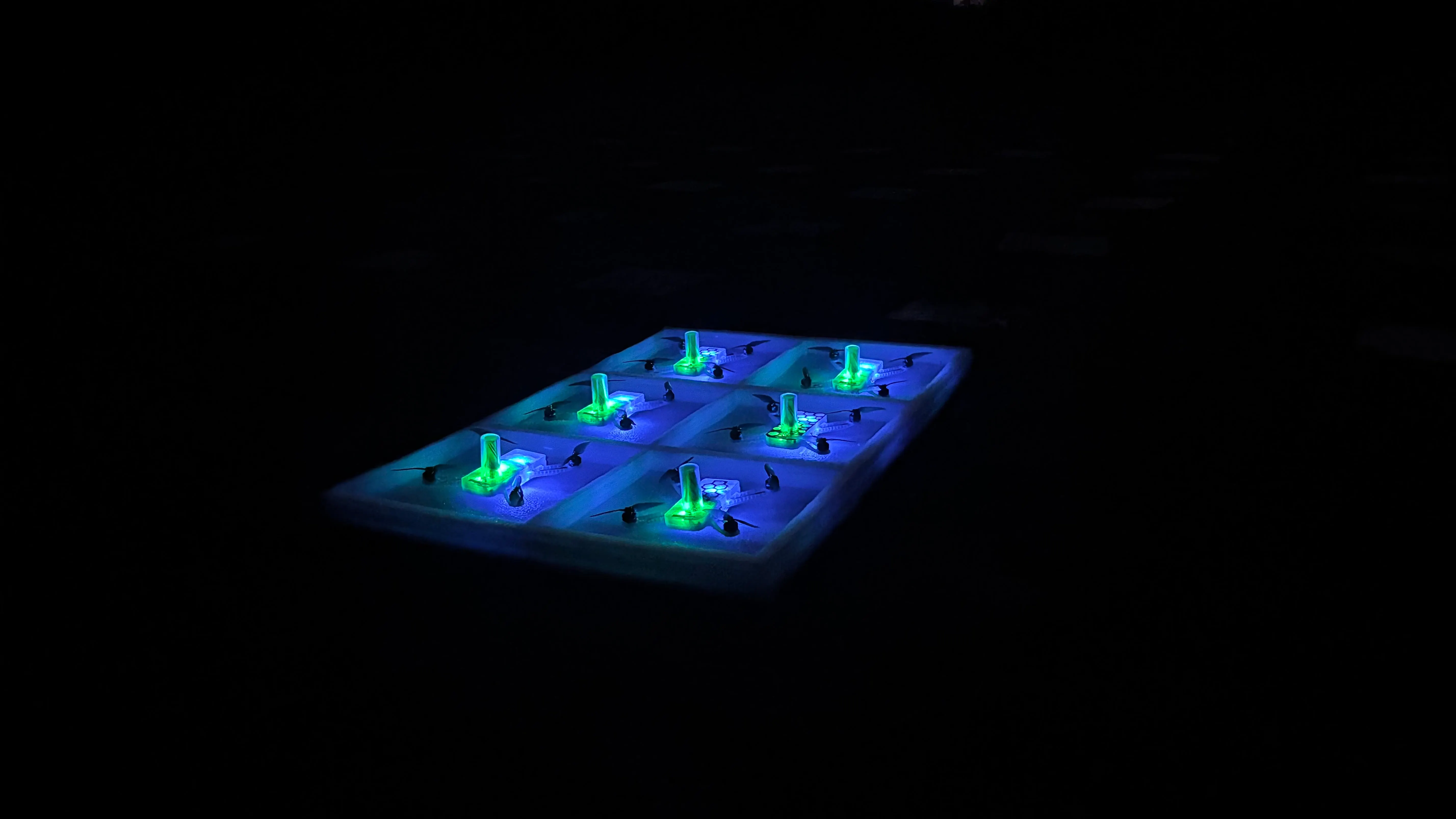
Plan, check and fly drone light shows from one Windows application. Built by Aerostem for show teams who fly at night, with a clear start procedure and controls you can trust under pressure.
AIRMIND combines the ground control software and the drone server in one installer, so a show laptop is ready in minutes.
Large, high-contrast arm, hold, return-to-home, land and shutdown commands for the whole fleet, readable from the pilot's chair in the dark.
Load the show, check the takeoff area, run onboard and manual checks, set the start time and give start permission, in a fixed order.
Test LED colours on single drones or the whole fleet before take-off, and confirm every drone answers before the show.
Connect an RTK base or an NTRIP caster from inside the software and watch correction status for the fleet at a glance.
See every drone on the map and in 3D, with takeoff grid, geofence and saved locations for your regular venues.
Battery, GPS fix, altitude and error status for every drone in one list, so problems are visible before take-off.
Install AIRMIND on a Windows 10 or 11 laptop. The drone server is included, so there is nothing else to set up.
Start the free demo with your name and e-mail, or type the license key we send you. The PC activates online in seconds.
Load your show, follow the checklist, give start permission and run the show. AIRMIND keeps working offline at the venue.
Every license is locked to one show PC and sized to your number of drones. Renewals and upgrades arrive automatically, with no new installation.
Try AIRMIND on your own laptop
Free · 10 days
For active show teams
₹2,500 / drone / year + GST
Outside India: $30 per drone per year
For show companies and resellers
Perpetual
Pay securely online with Razorpay (cards, UPI, net banking, international cards). You receive your license key by e-mail and can see it any time in your Aerostem account.
Yes. Choose “Deactivate this PC” in the license window of the old laptop and enter your key on the new one. If the old laptop is broken, contact us and we release it for you.
No. Internet is needed only to activate. The software checks for renewals when it is online, but a show is never interrupted by a license check.
When you renew or add drones, we update your license online. AIRMIND picks up the change automatically and asks you to restart when it suits you.
AIRMIND is built for Aerostem AeroStar show drones. Contact us to check compatibility with your own fleet.
Talk to the Aerostem team about your fleet, your shows and the right license.